
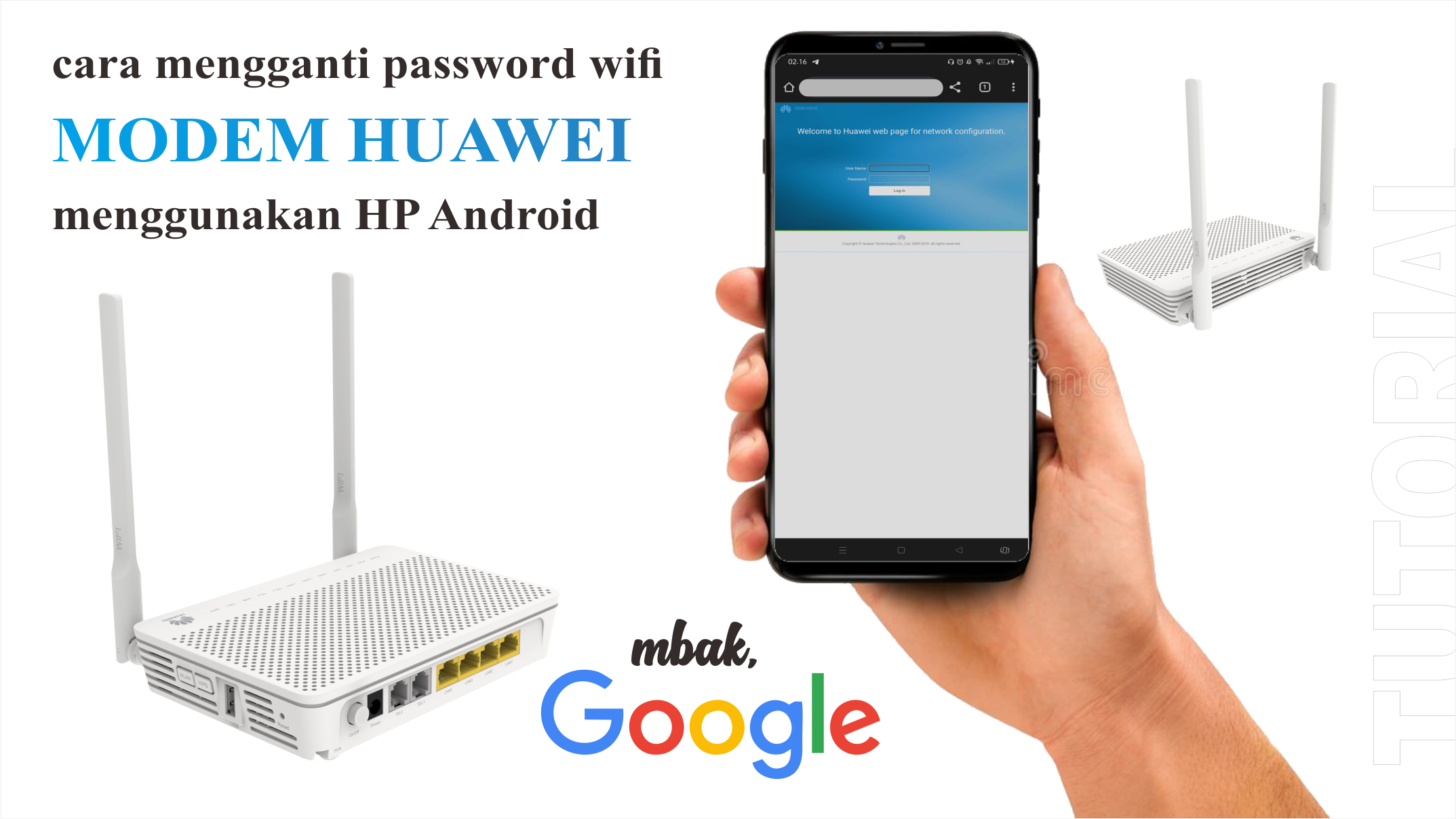
Tutorial mengganti password wifi modem Huawei All Tipe.
Alamat Link perangkat :
1. 192.168.100.1 (tipe HGxxxxxxx)
2. 192.168.18.1 (tipe EGxxxxxx)
Username dan Password Login Modem :
1. username : Admin | password : admin
2. username : Epuser | password : userEp
3. username : root | password : admin
atau bisa menggunakan username dan password :
(tidak disarankan karena jika salah setting internet tidak bisa digunakan)
1. username : Support | password : theworldinyourhand
2. username : telecomadmin | password : admintelecom
simak video tutorialnya dibawah ini :
Leave a Reply